Exist.io mood tracking in Day One
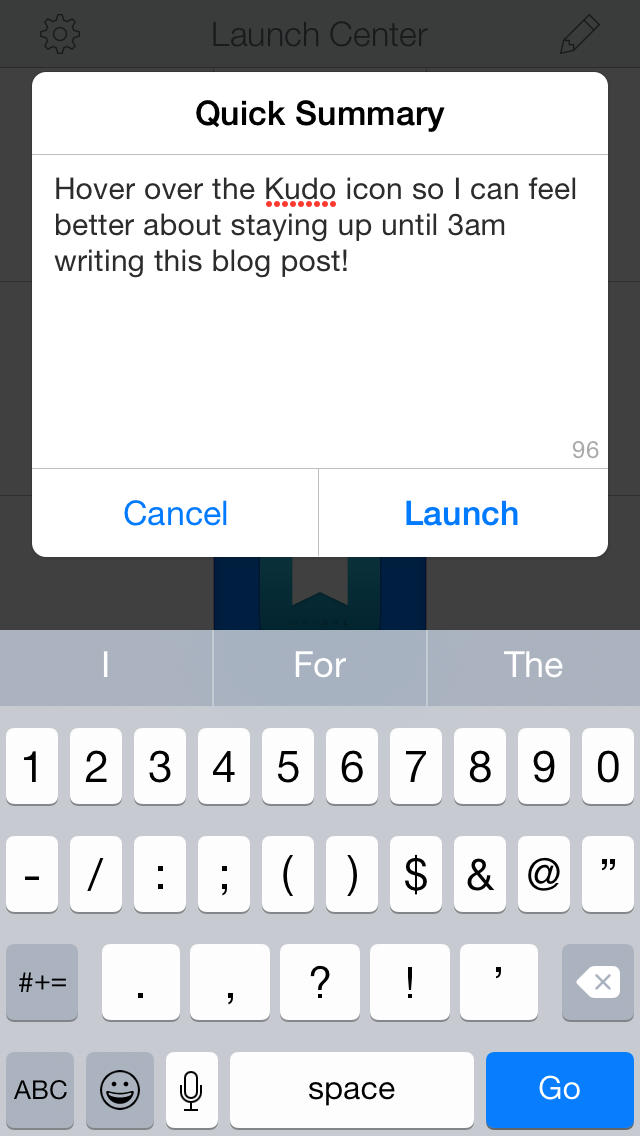
About a year ago, I signed up for Exist, a service that correlates passive data from things like Fitbits and Twitter to determine a variety of different data analytical statements about a user. The hidden gem in Exist is its mood recording feature. Each day, it sends an email asking how the day went, with a one sentence summary of why it went that way.
For one reason or another, it might be conceivable that one might stop using Exist, or at least to store moods in a more permanent location. I had no idea the amount of value I’d place on the mood rating system until I had been using it for some time. Having already expressed my love of Day One with ETD, it only made sense to build a similar tool for Exist’s mood data.
There are some caveats. This script assumes that you want to import all moods with moods and assumes you will only run the script exactly once. Unlike ETD, it will not simply add new entries after an initial import – it will completely import all moods each run. Finally, Exist does not expose the one sentence daily summaries via their API, so that data is somewhat lost until they make it public.
Any number of things can go wrong, so backup your journal before continuing.
Run #
$ git clone https://github.com/nicatronTg/exist-to-dayone.git$ cd exist-to-dayone$ rvm install 2.0$ gem install bundler$ bundle install- At this stage, it would be wise to backup your journal. In Day One,
File -> Back Up Journal. $ ruby import.rb- Enter your username and password when prompted, and give a final go-ahead with enter. When the script completes, Day One should be significantly more populated. This may take a long time to sync to your devices.
Results #
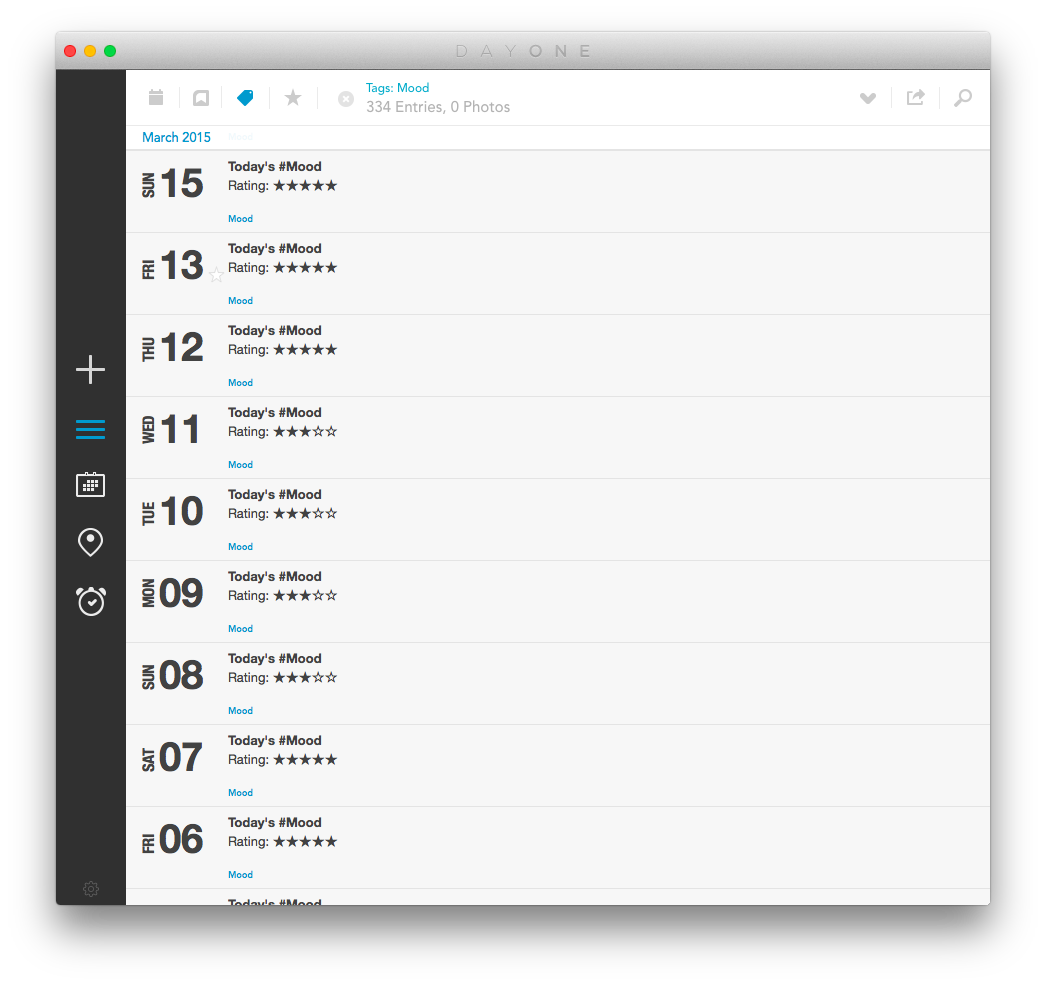
Your journal, should, assuming all went well, now have a mood tag, which, when sorted by, will look something like this.
Switching to Day One entirely #
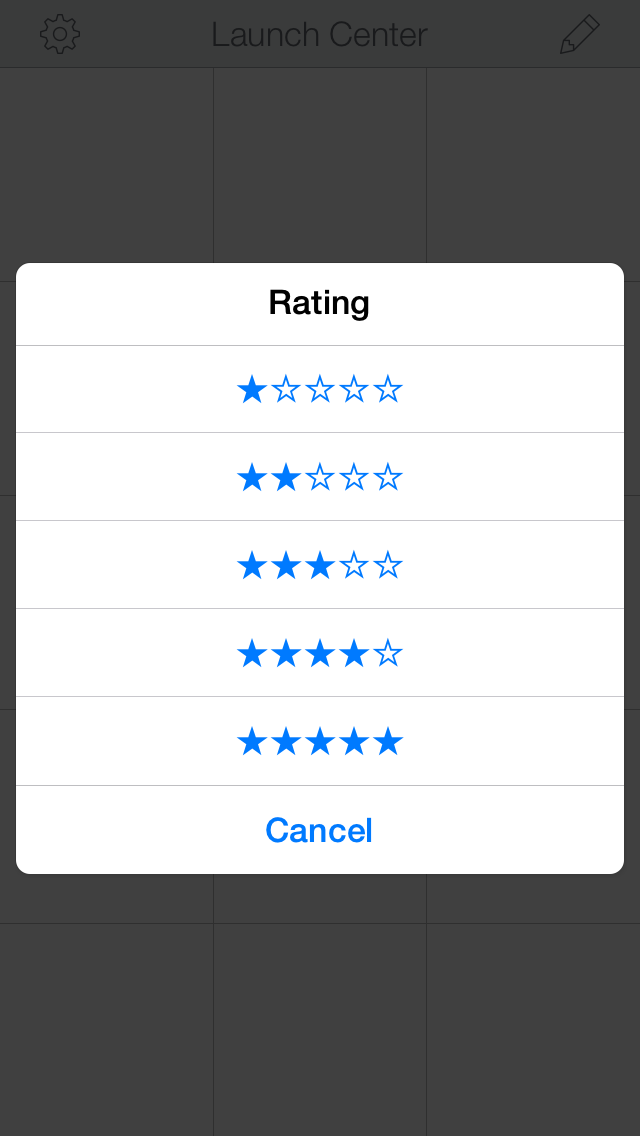
Ideally, from now on, the first place for recording moods should be Day One. Exist can be used in tandem, but Day One is more permanent, and my script only runs once. To use Day One effectively for mood recording, we need reminders and an easy to select scale. Let’s get that setup.
Grab Launch Center Pro ($4.99) from the App Store. It’s priced at coffee level, but you can use it for a myriad of templates for Day One, which should alleviate the pain of skipping Starbucks for a day.
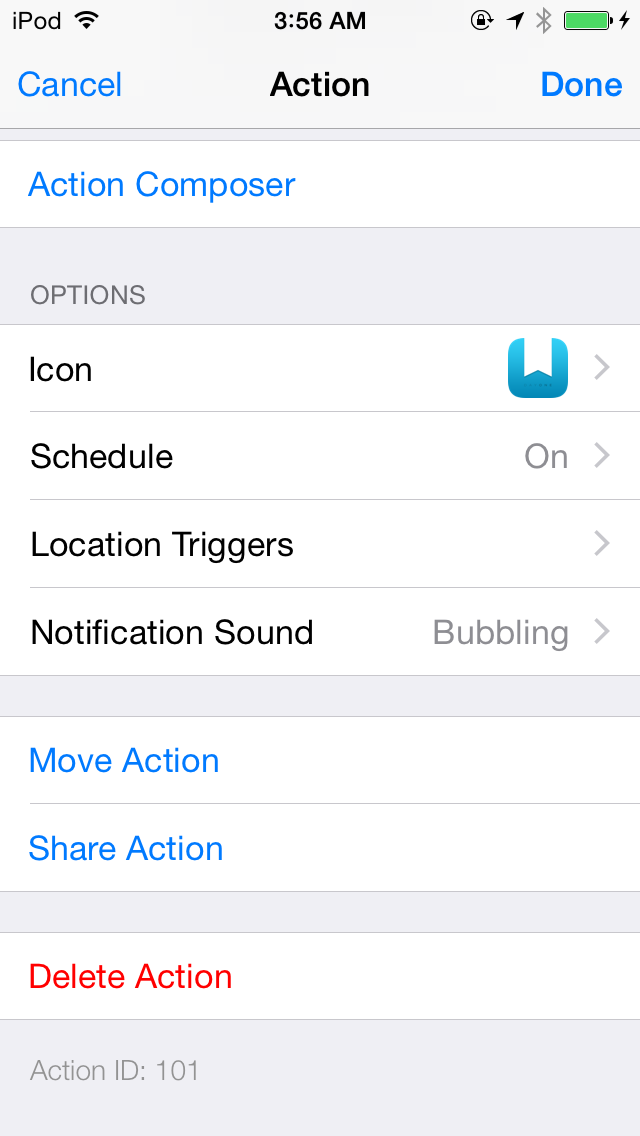
On to the fun! From your iOS device, head to my fancy share page and install the action. Add a reminder for 9pm every day, and you’ve replaced Exist! Bonus: It uses fancy stars instead of numbers, and it has no limit on length!